Khon Kaen Link launches “KKL AI Prompt,” a practical prompt library for AI images and AI voices with instant copy-and-use workflow
Khon Kaen Link has launched “KKL AI Prompt,” a practical prompt platform for AI-powered content creation. The service covers image prompts, voice prompts, and ready-to-use prompt sets to help creators, local media teams, PR staff, educators, students, and entrepreneurs work faster with AI.
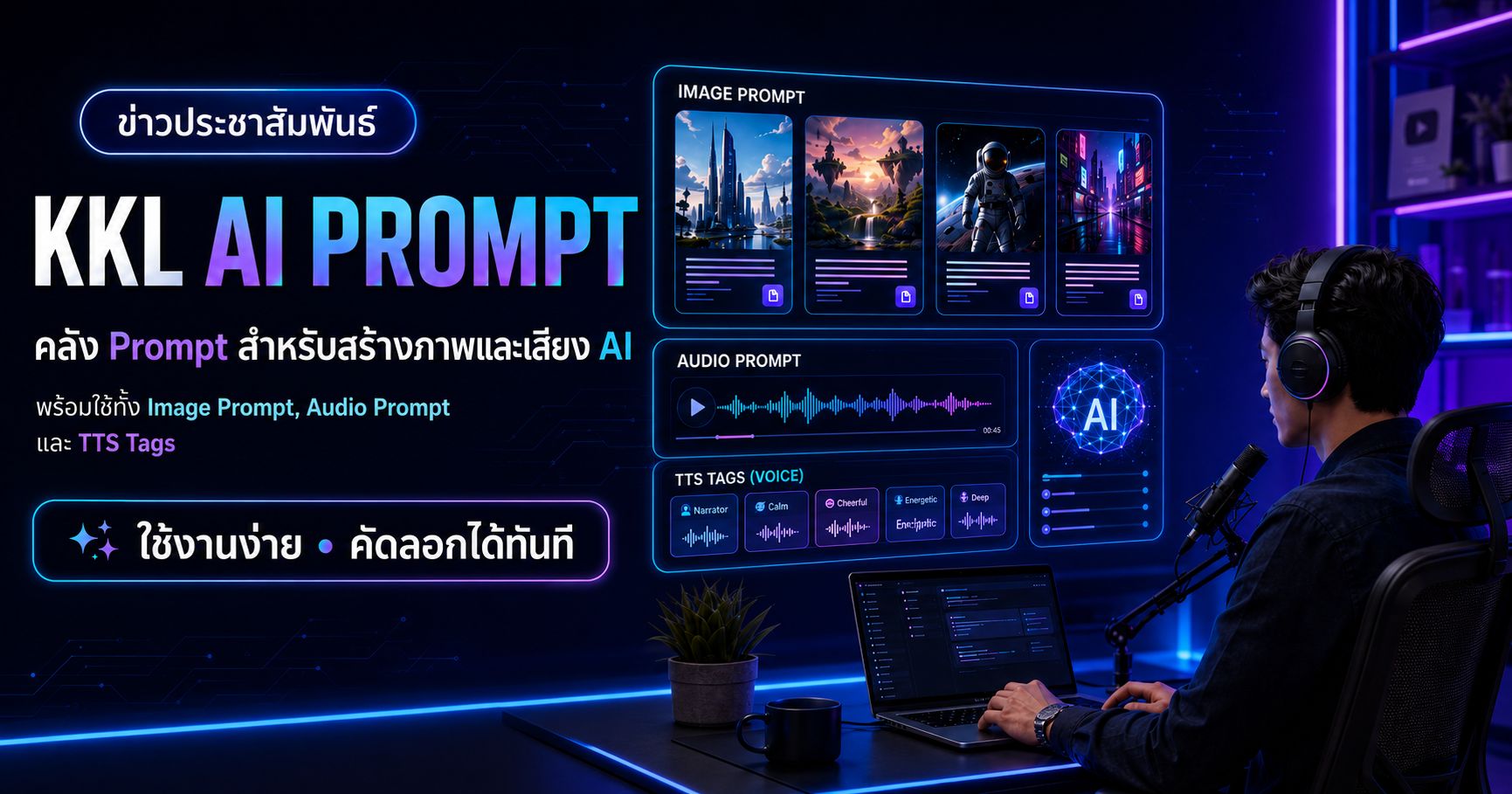
A unified prompt tool for both image and voice workflows
KKL AI Prompt is designed as a practical prompt library. Users can choose a work category, select an image style, choose an image size, or pick audio tags, then copy the prompt and use it with their preferred AI tools. The system is backed by a JSON database that is easy to expand in the future.
Key features of KKL AI Prompt
Image Prompt Wizard
Build image prompts step by step, from work type and tone to style, image size, and final prompt copy.
102 AI image styles
A wide range of styles is available, including Infographic, Modern Digital, Cinematic, Illustration, Editorial, Commercial, and Experimental.
Audio Prompt Wizard
Build voice prompts with sentence-level tags such as [intrigue], [excited], and [call to action] to guide delivery more precisely.
Voice scenes and voice contexts
Includes 65 voice scenes and 59 voice contexts covering news, public relations, advertising, short-form content, training, alerts, and local communication.
Ready-to-use voice prompts
Offers 72 ready-to-use voice prompts across multiple use cases, helping users start narration, news, or promotional voice work instantly.
Fast copy and reuse workflow
Provides clear copy actions for style-only prompts, ready-to-use prompts, and voice prompts, with instant copied status feedback.
Supports multiple image sizes from news graphics to social media
On the image side, the system supports practical sizes such as 16:9, 1:1, 4:5, 9:16, 1200×630, and 1920×1080, along with usage guidance for each size.
Who is it for?
- Reporters and editorial teams who need AI-generated news visuals or AI voice narration.
- PR professionals who need posters, promotional visuals, and announcement voices.
- Teachers, lecturers, and speakers who need educational visuals or narration.
- Creators and entrepreneurs who want to produce content faster.
- General users who want to start using AI without writing prompts from scratch.
Available now
Visit the KKL AI Prompt homepage and choose the prompt that best fits your work.
Go to KKL AI Prompt